

A KAZOBE APP
MAC · IPHONE · IPAD
BurstReel.
Your photos.
Back in motion.
Turn a burst of photos into a short video.
Set the pace. Find the frame. Share the moment.
Coming soon to the App Store
Keep the moment.
Make it move.
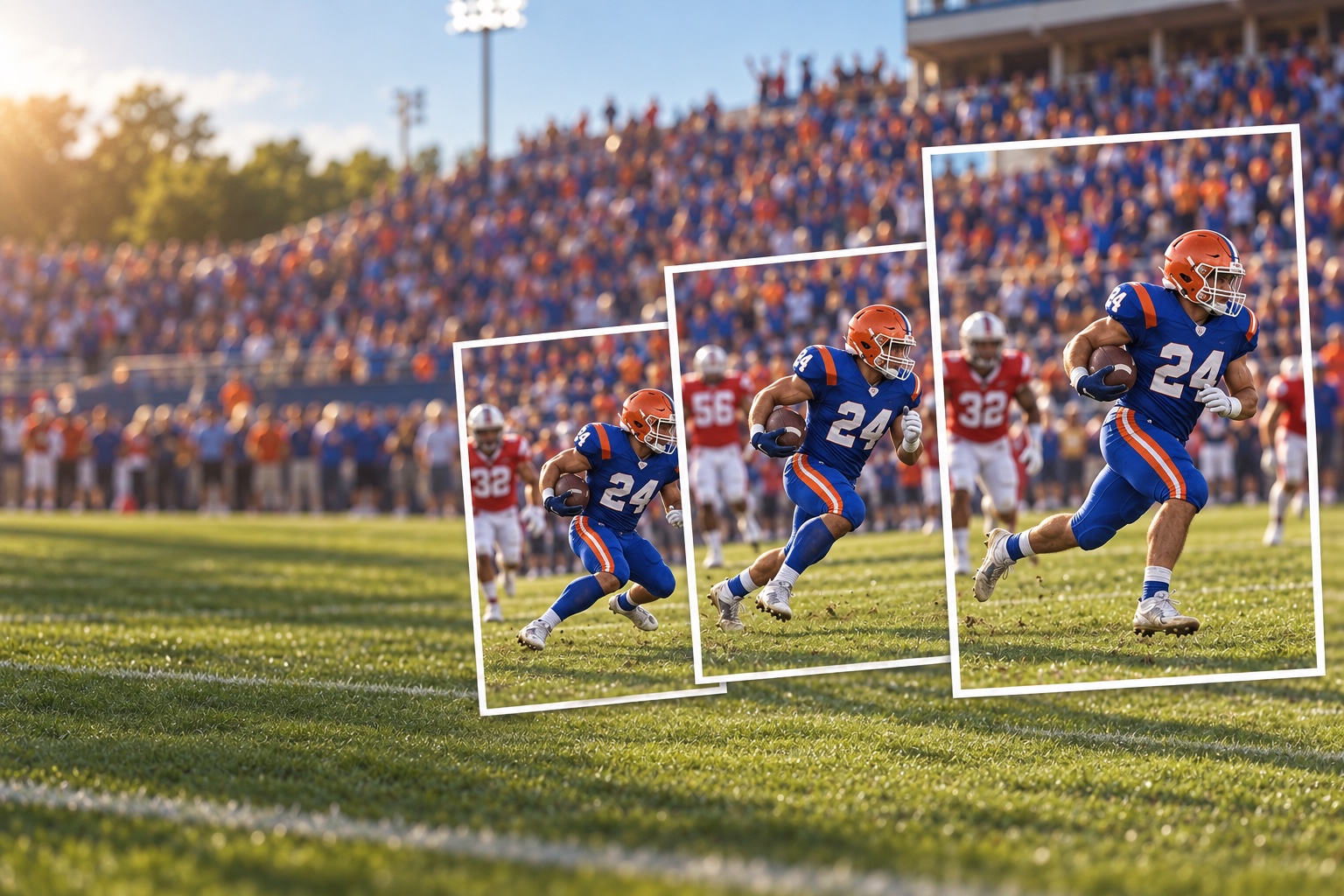
A finish line. A perfect play. A little stop-motion experiment. There’s a story hiding between your photos.
- 01 / ADD
Start with your photos.
Import a complete Apple Photos burst or choose a sequence of images. Arrange the frames in the order you want.
- 02 / SHAPE
Find your rhythm.
Choose 1–60 photos per second and pick a video shape. Your preview prepares automatically as you make changes.
- 03 / SHARE
Give it another life.
Play it back, then save or share your silent MP4. Keep your original photos exactly as they are.
YOUR MOMENT. YOUR FRAME.
Made to fit
where you share.
Go tall, square, or wide. Use Fit to keep the whole photo, or Fill to crop it to the canvas.
Portrait · 1080 × 1920
Smooth the camera movement.
Auto-align frames can reduce shake while preserving a pan, or align a stationary scene to its first photo. Alignment can crop the edges; it doesn’t track a particular person.
Put your name on it.
Add your own logo, choose its opacity, and reuse it from Saved Logos. Keep or switch off the optional BurstReel watermark.
Pick up the project.
Projects save automatically on your device. Optional iCloud Drive sync brings your photos, order, settings, and logos to your other devices.
YOUR PHOTOS STAY YOURS.
Created on your device.
Shared on your terms.
Photo processing, alignment, and video creation happen locally. No BurstReel account, advertising, or tracking. If you choose iCloud sync, Apple stores projects in your personal iCloud Drive.
Read our privacy policyOne workflow.
Three ways to create.
Mac · iPhone · iPad
macOS 14 or lateriOS 17 / iPadOS 17 or later
A few things to know.
Does BurstReel create video from still photos?
Yes. BurstReel plays your selected photos in sequence to create a silent H.264 MP4. It does not generate new in-between images or add sound.
Can I import every photo in an Apple Photos burst?
Use Import Burst from Photos and grant Full Access. The importer copies every available frame in capture order. Ordinary sharing or the photo picker may include only the burst’s representative image.
Does my project sync across devices?
Enable Sync projects with iCloud in Projects on each device using the same Apple Account. Sync uses your iCloud storage. Photos and settings sync; each device creates its own video. You can also keep projects entirely local.
Where can I get the app?
BurstReel is coming soon to the App Store. This page will link to the store when it’s available. For questions or help with a development or test build, visit support.
KEEP CREATING.
The moment doesn’t
have to end at the photo.
BurstReel for Mac, iPhone, and iPad. Coming soon.
Say hello Help & support